Project workspaces
Find everything for a job in one place: quoting, costing, documents, materials, and collaborators.

Quote • Source • Plan • Make
Stop hunting through BOMs, drawings, inboxes, and cost spreadsheets. Scint connects your product data, AI, and the people who quote, source, and build, so everyone works from the same job.
Book a demo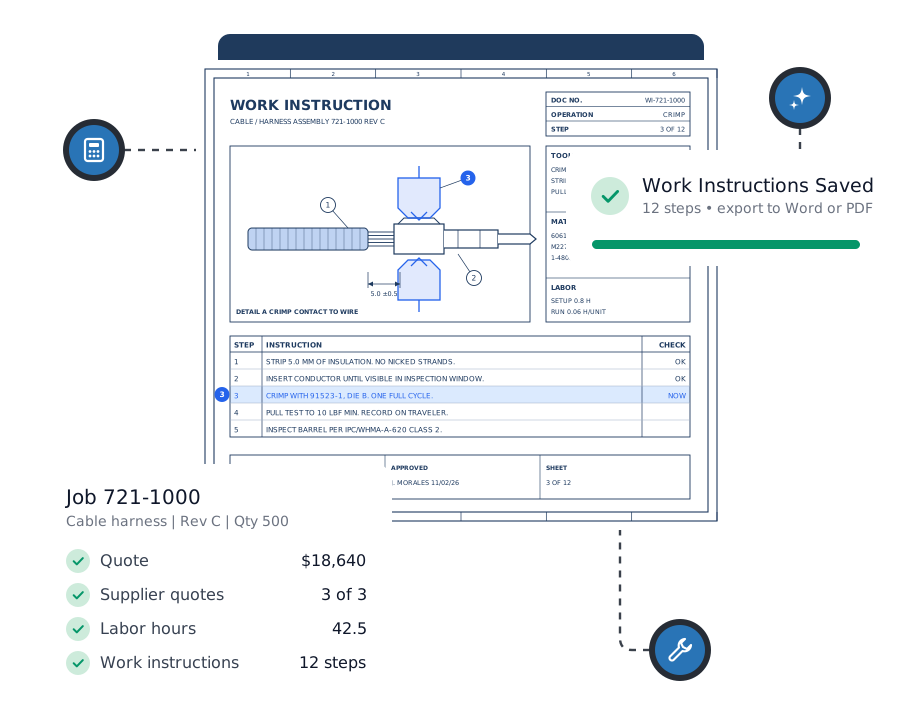
Platform capabilities
Start with the workflows that save you the most time today. Add integrations, manufacturing tools, and your own extensions later, without starting over.
Find everything for a job in one place: quoting, costing, documents, materials, and collaborators.
Skip the retyping. Pull materials and tables out of RFQs, BOMs, drawings, spreadsheets, and scanned files.
Quote with today’s prices. Bring current distributor pricing, availability, lead times, and contract pricing into estimates.
Get supplier quotes with less chasing. Recommend suppliers, send RFQs, process responses, and compare offers in one workflow.
Use the data you already have. Connect jobs, BOMs, material costs, and supplier records with Epicor, SAP Business One, SAP S/4HANA, or Microsoft Dynamics 365 Business Central.



Keep working from your own inbox. Send supplier RFQs, track outreach, and import quotation attachments through Microsoft 365 (Outlook), Google Workspace (Gmail), or any IMAP/SMTP mail server.


Price labor with confidence. Estimate and review labor hours using historical jobs, worksheets, and predictive models.
Hand the shop floor clear instructions sooner. Generate structured assembly instructions from project data, drawings, and reviewed labor plans.
Make Scint work the way you do. Add your own engineering rules, templates, data connections, outputs, and manufacturing tools.
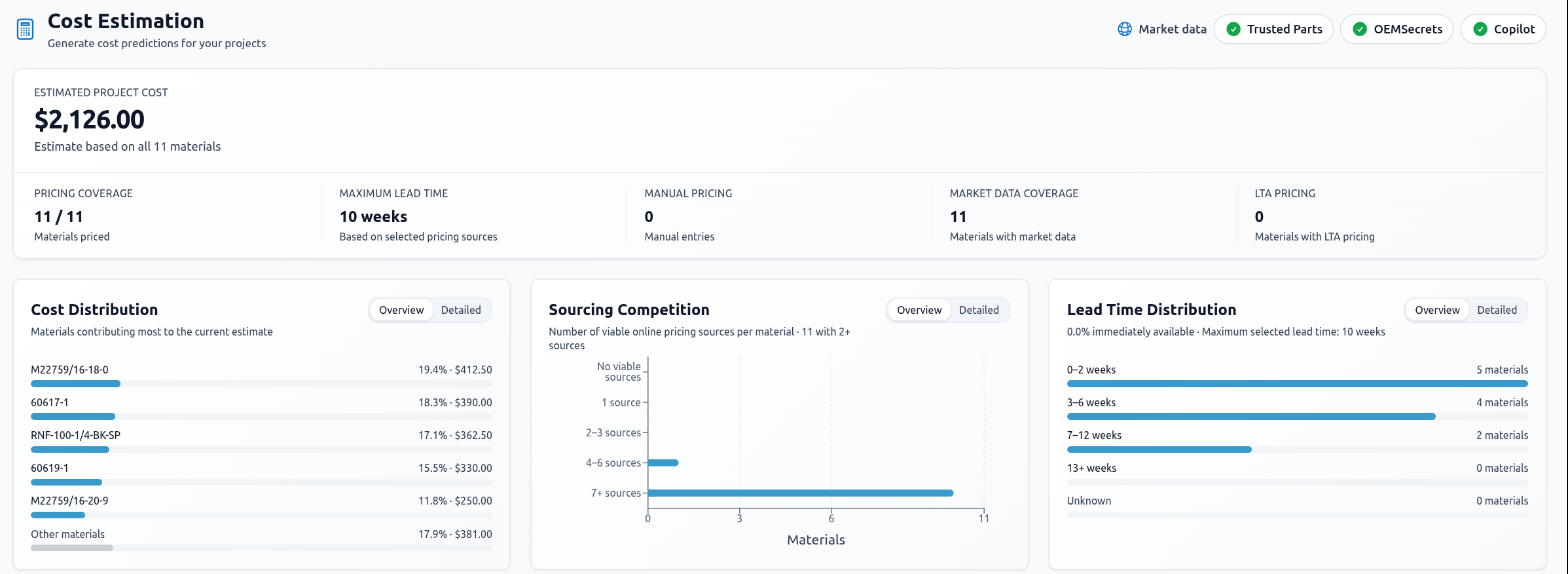
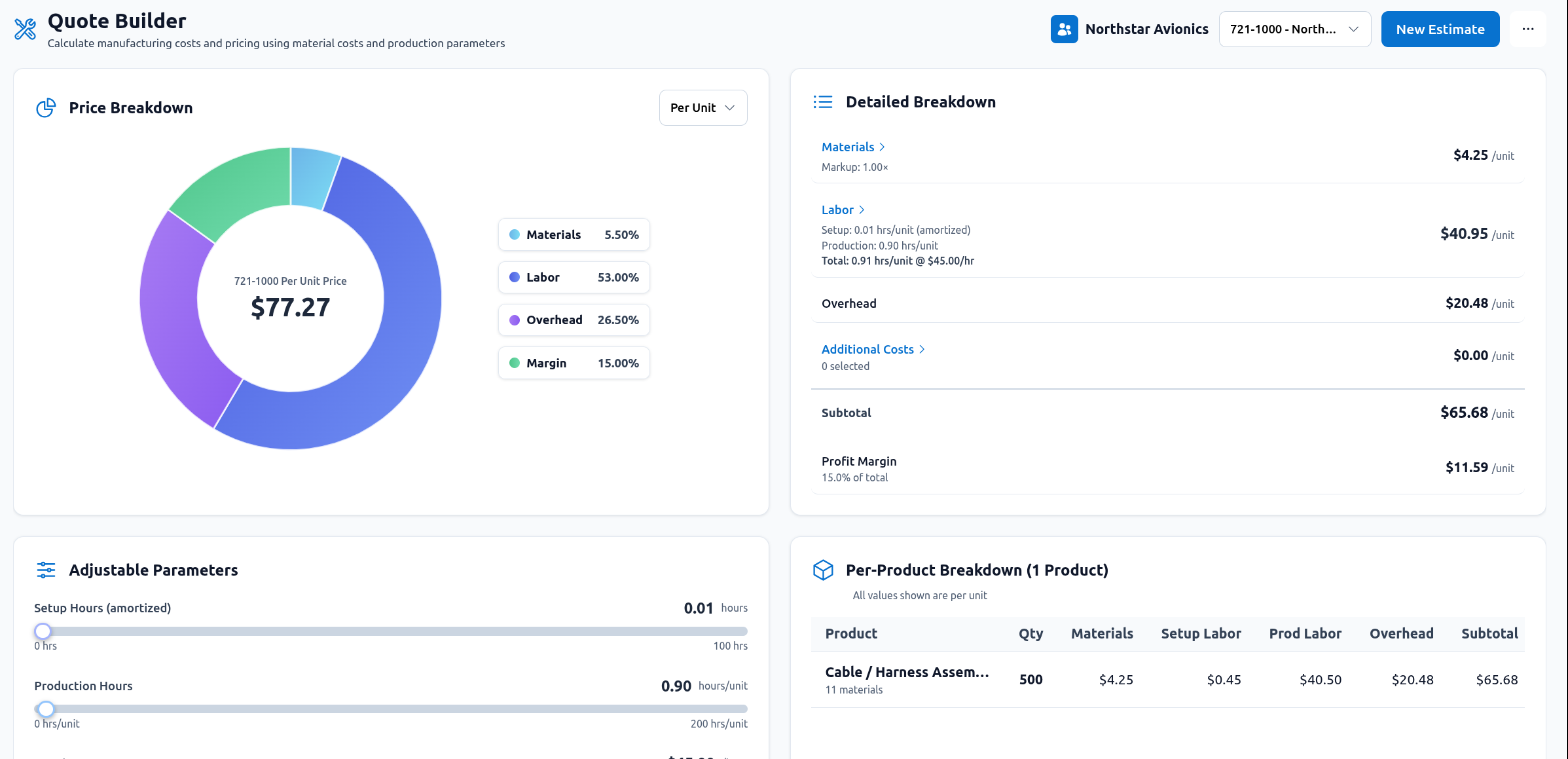
Get accurate quotes out the door faster and protect your margin on every job. Turn a BOM into a cost model with distributor, historical, manual, and contract pricing, check coverage and lead times, then add labor, overhead, and margin in the same job.
Pick the right suppliers from pricing and quote history, send formal requests, keep every conversation together, and get incoming PDF or Excel quotations as structured data instead of retyping them.
Explore procurement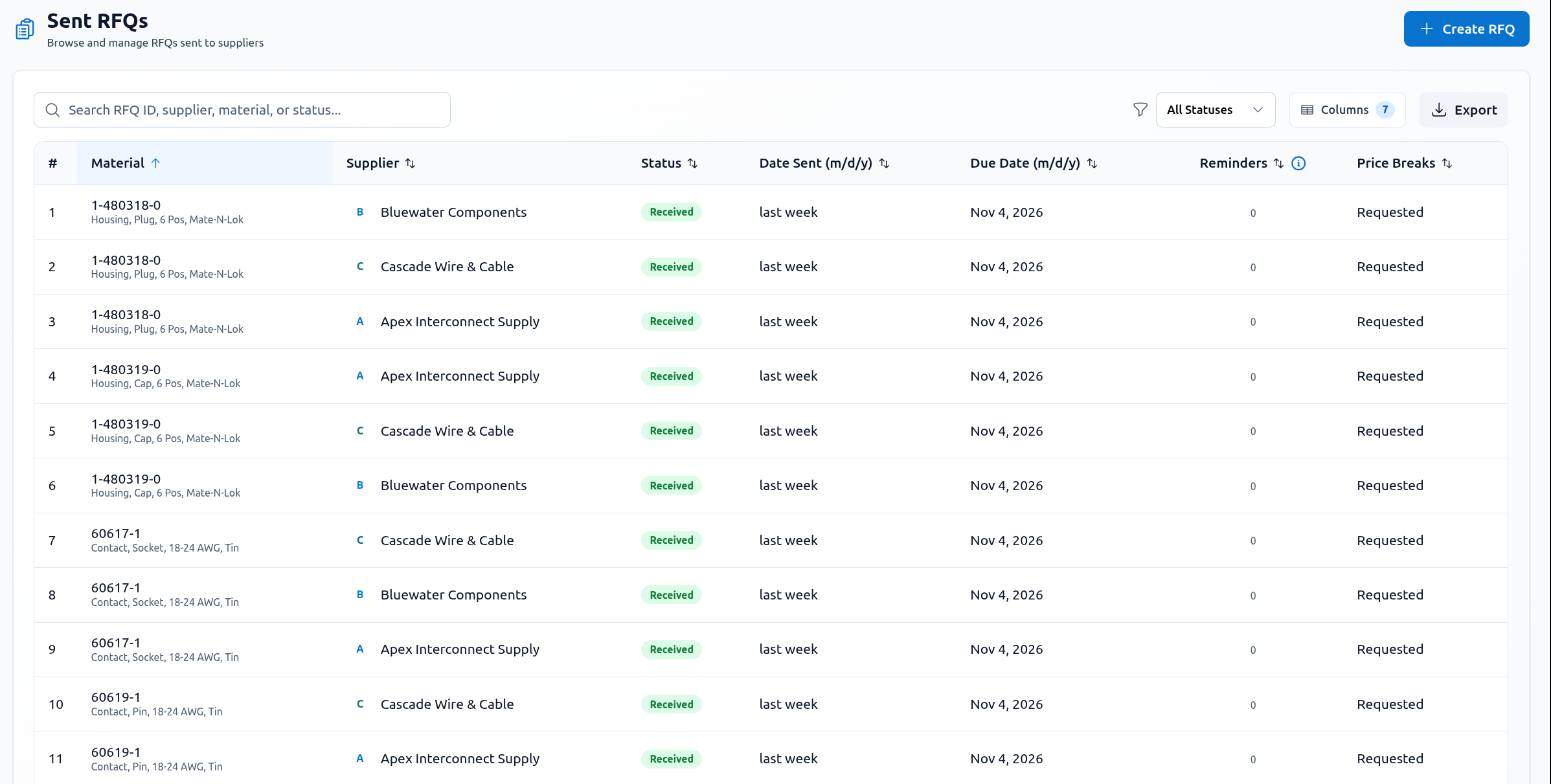
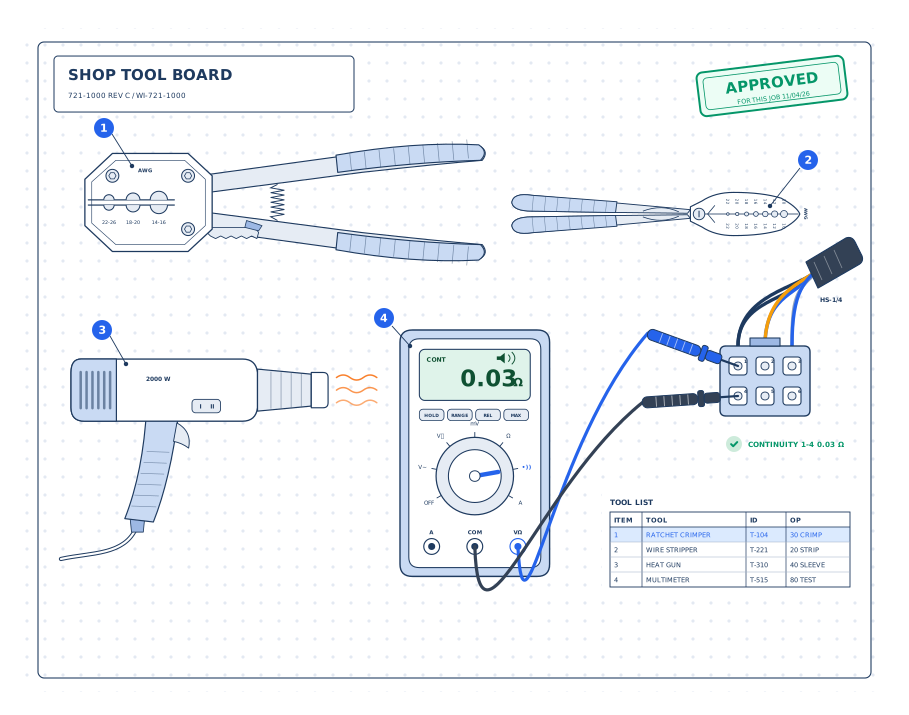
Make sure the labor hours hold up, then give the shop floor structured instructions built from the same product data, drawings, operations, and approved tools.
AI Copilot
Get answers and first drafts without leaving the job. Scint’s Copilot already knows the project you are in, unlike a separate chat tool.
Stop digging for the part, job, or document you need. Search project history with context from the page you are viewing.
Hand off the routine work: import materials, draft supplier emails, and create work instructions through conversation.
Catch mistakes before they cost you. Examine labor estimates and operations, challenge assumptions, and apply reviewed changes.
Choose your AI engine
Keep every BOM, supplier, and quote on your own servers. AI models run on your hardware, so sensitive data never leaves your network.
Use the AI models you already trust, with your own API key: OpenAI, Azure OpenAI, Anthropic Claude, Google Gemini, or xAI.
Meet government requirements with OpenAI for Government or Azure OpenAI in Azure Government, for GCC High and DoD tenants.
FAQs
Yes. For qualified teams, we offer guided trials or structured pilots tailored to your workflow so you can evaluate Scint using your real jobs, vendors, and materials.
No. Start with the core project, document, pricing, and supplier workflows you need. Labor estimation, work instructions, and custom extensions can be added as your deployment grows.
Yes. Scint can connect sales, jobs, BOMs, material costs, suppliers, and email with ERP and enterprise systems such as Epicor, SAP Business One, SAP S/4HANA, Microsoft Dynamics 365 Business Central, Microsoft 365, and Google Workspace, plus other mail servers over IMAP/SMTP.
Yes. Custom extensions can apply your engineering rules, generate production outputs, connect proprietary data, and support manufacturing planning.
Yes. Scint can run locally or in your cloud. Sensitive BOMs, costs, and labor data do not have to leave your environment.
No. Suppliers can respond by email with Excel, PDF, or other quotation attachments; your team processes and compares the responses in Scint.
See it on your workflow
Bring one of your own jobs and see how much time Scint gives back to your team.
Book a demo