
Procurement
Move from BOM to comparable supplier quotes.
Organize materials, send supplier RFQs, process incoming quotations, and compare cost and lead-time tradeoffs in one workflow.
Book a demo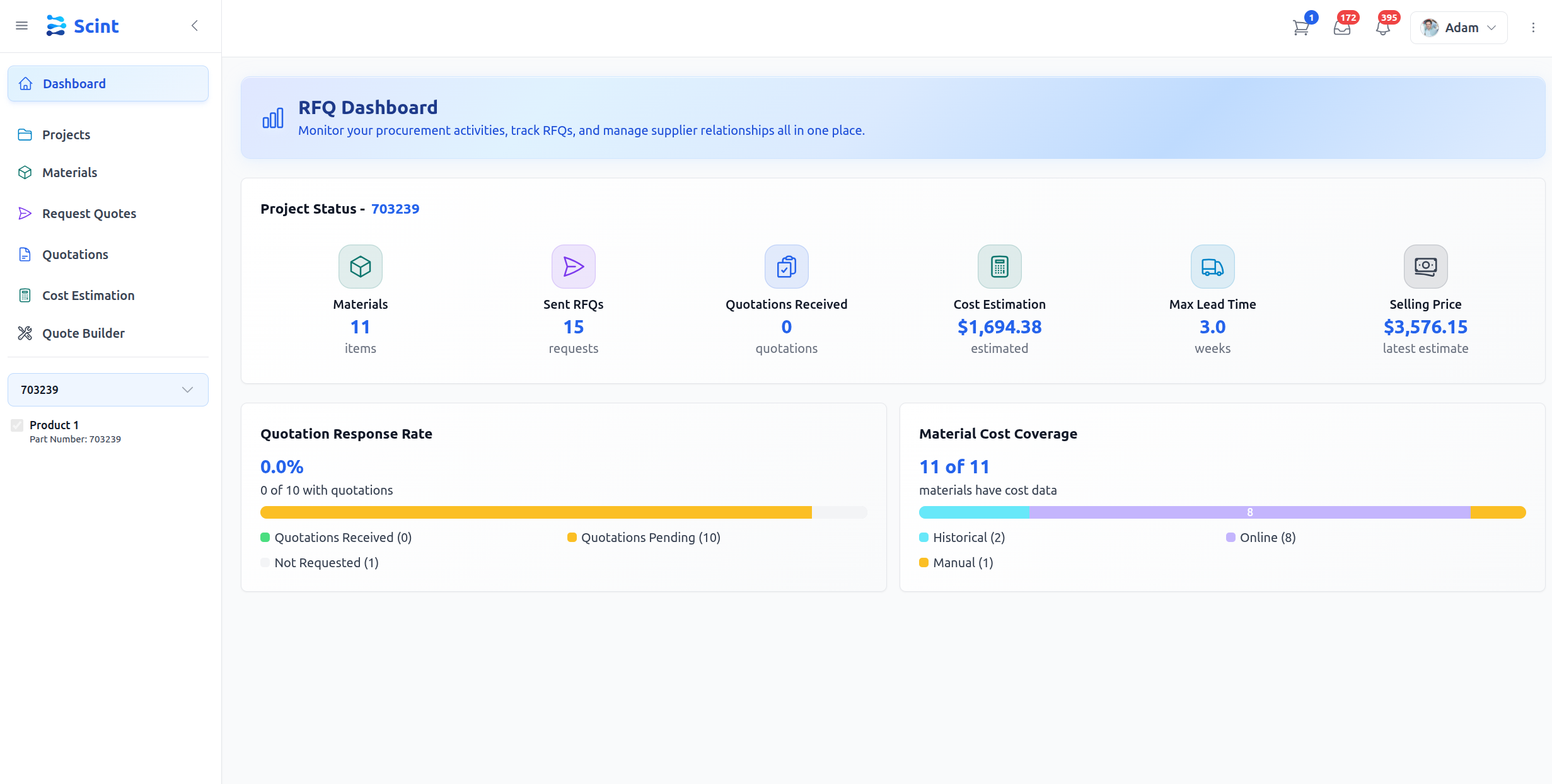
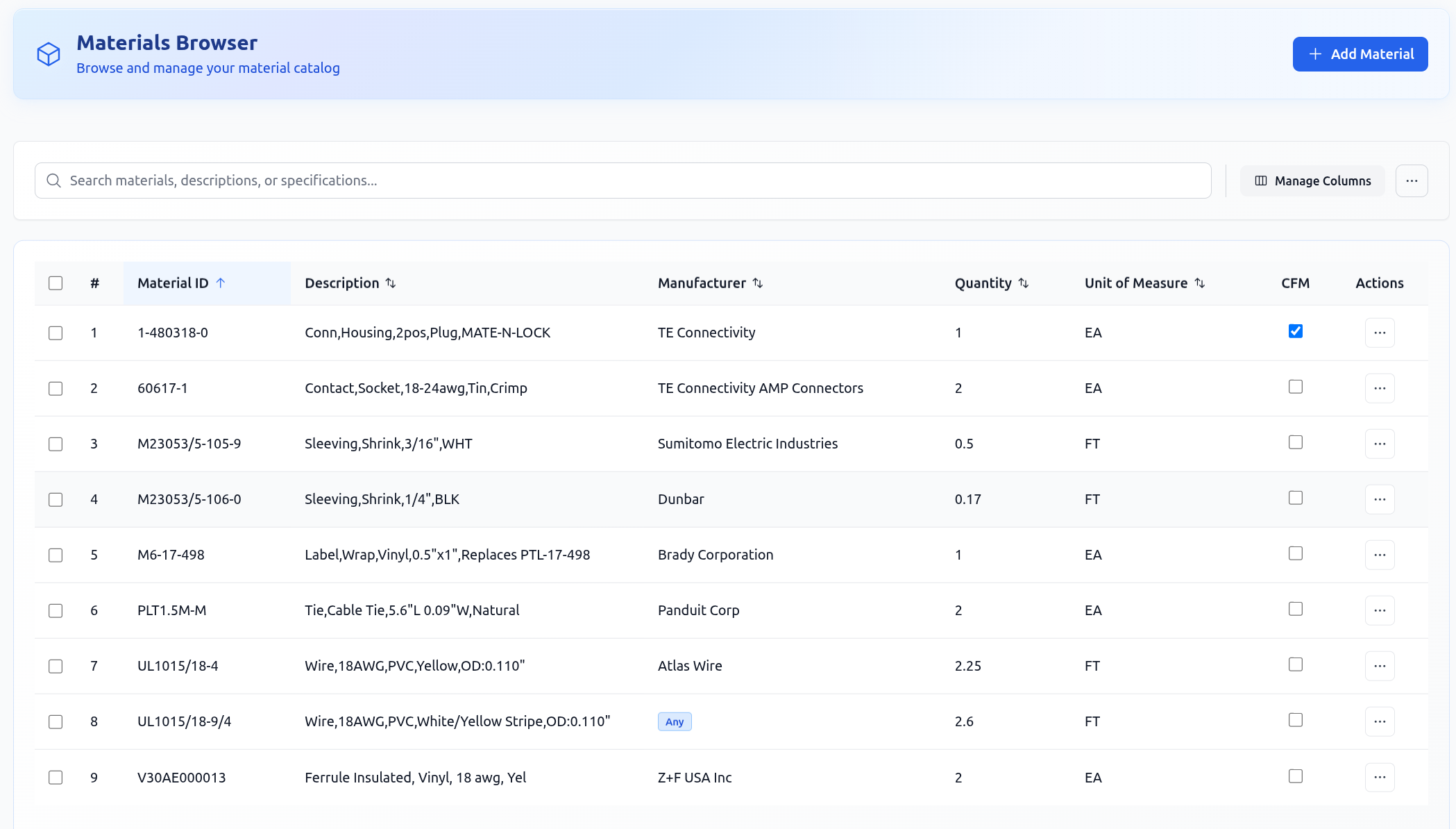
Organize projects and materials
Upload your BOMs, Excel files, or even PDF specs, and manage everything from a clean, structured interface.
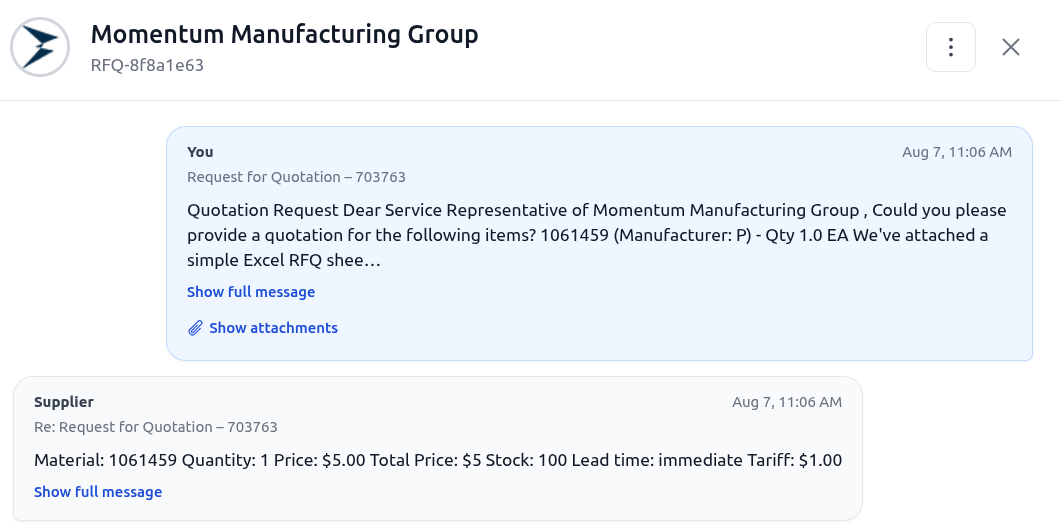
Automate RFQs
Generate RFQs, send templated emails through Outlook, and use configurable reminders to follow up on overdue requests.
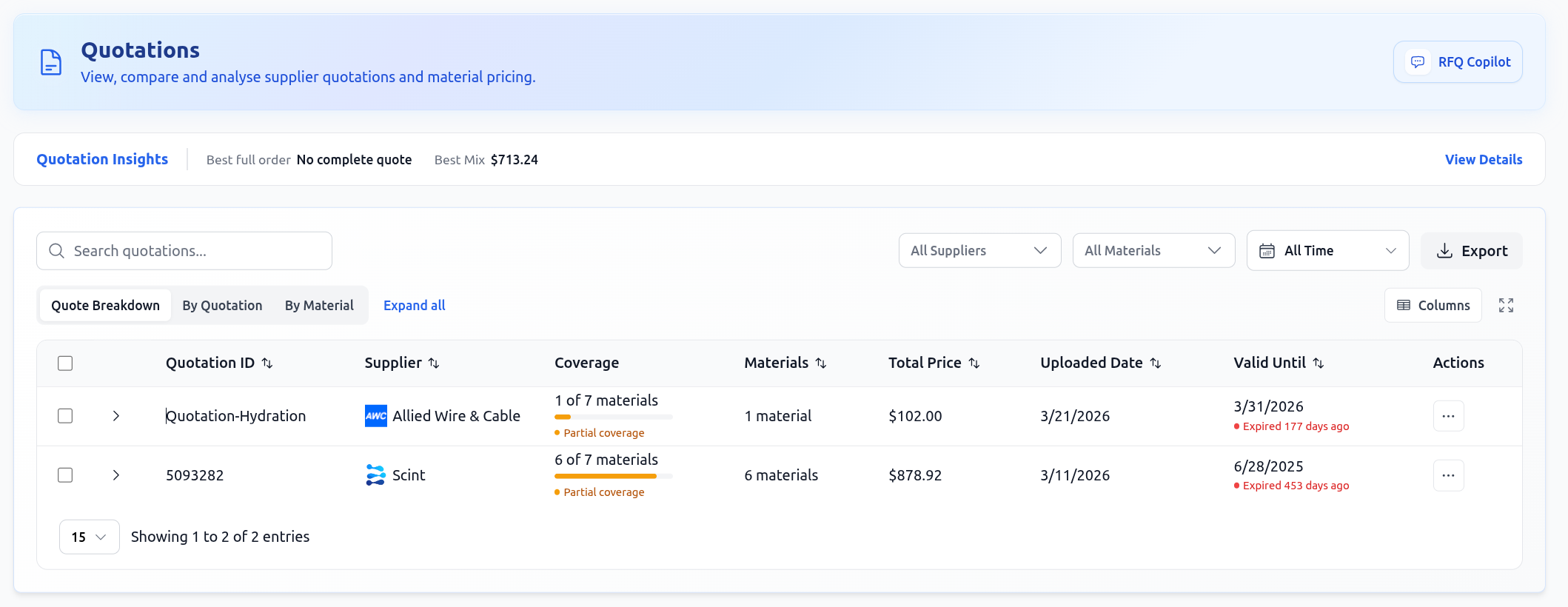
Extract and compare quotes
Scint parses Excel, PDF, and email quotations using AI so your team can review clean, structured data side by side.
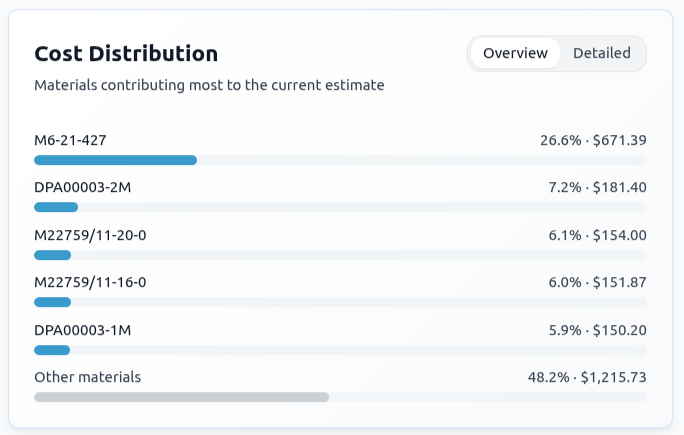
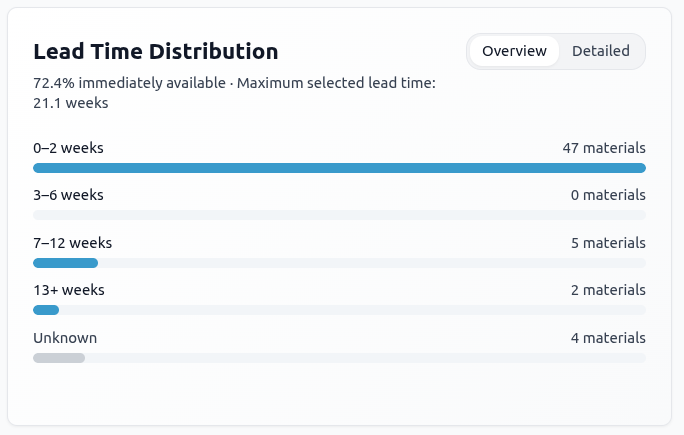
Forecast costs and lead times
Review price and lead-time distributions from available project data, then evaluate tradeoffs between cost and delivery speed.
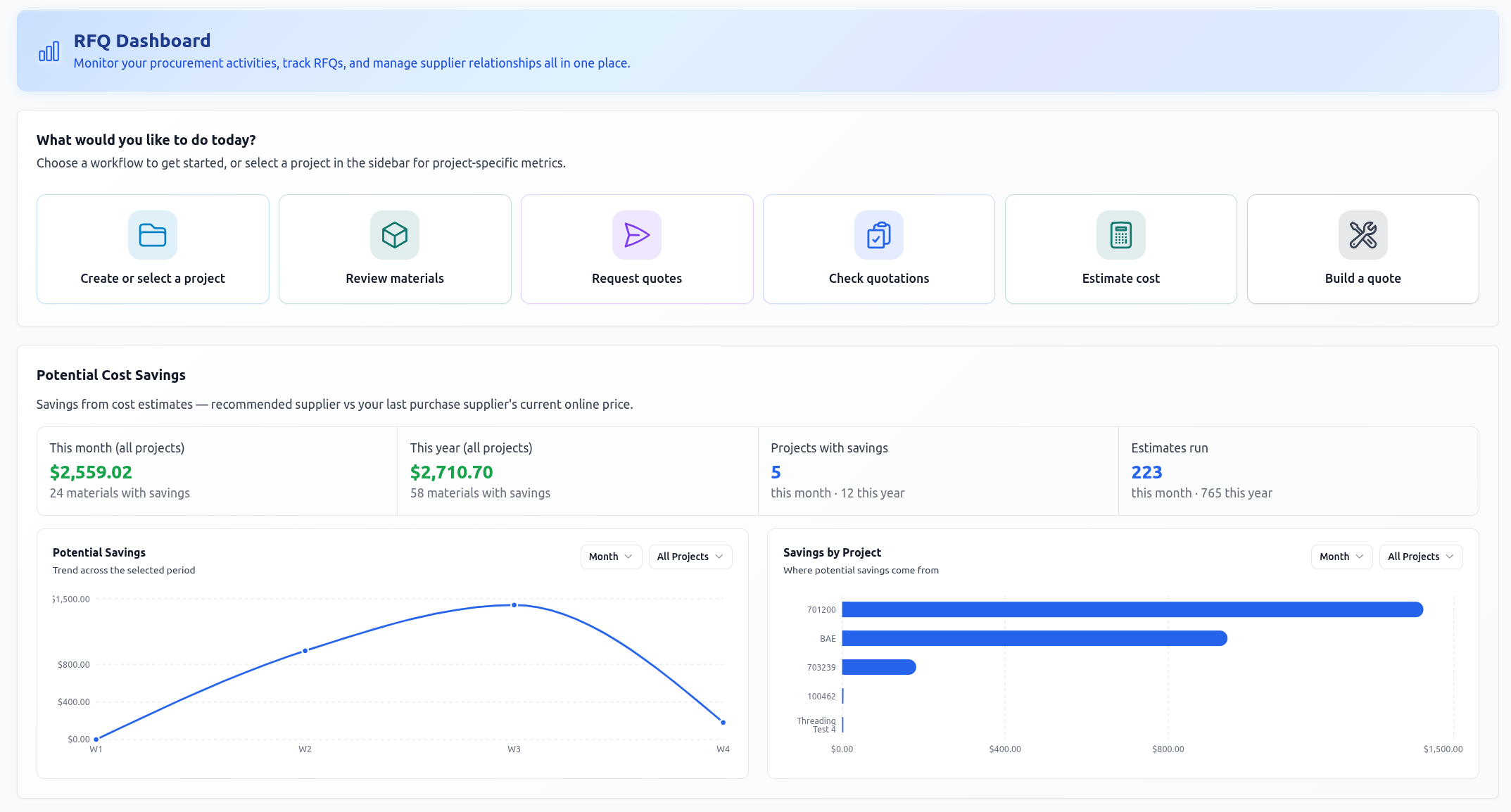
Measure and improve
Project dashboards show quotation response rate, material cost coverage, estimate activity, and potential savings.
See procurement on a real job
Bring one BOM and walk through the full sourcing cycle.
See material organization, supplier outreach, quotation processing, and cost comparison with your workflow in mind.
Book a procurement demo